 1,000+ plays
Neon Tower of Hell
@lazaruscode·12,400 plays
A 15-stage obby with glowing kill bricks and a final boss jump.

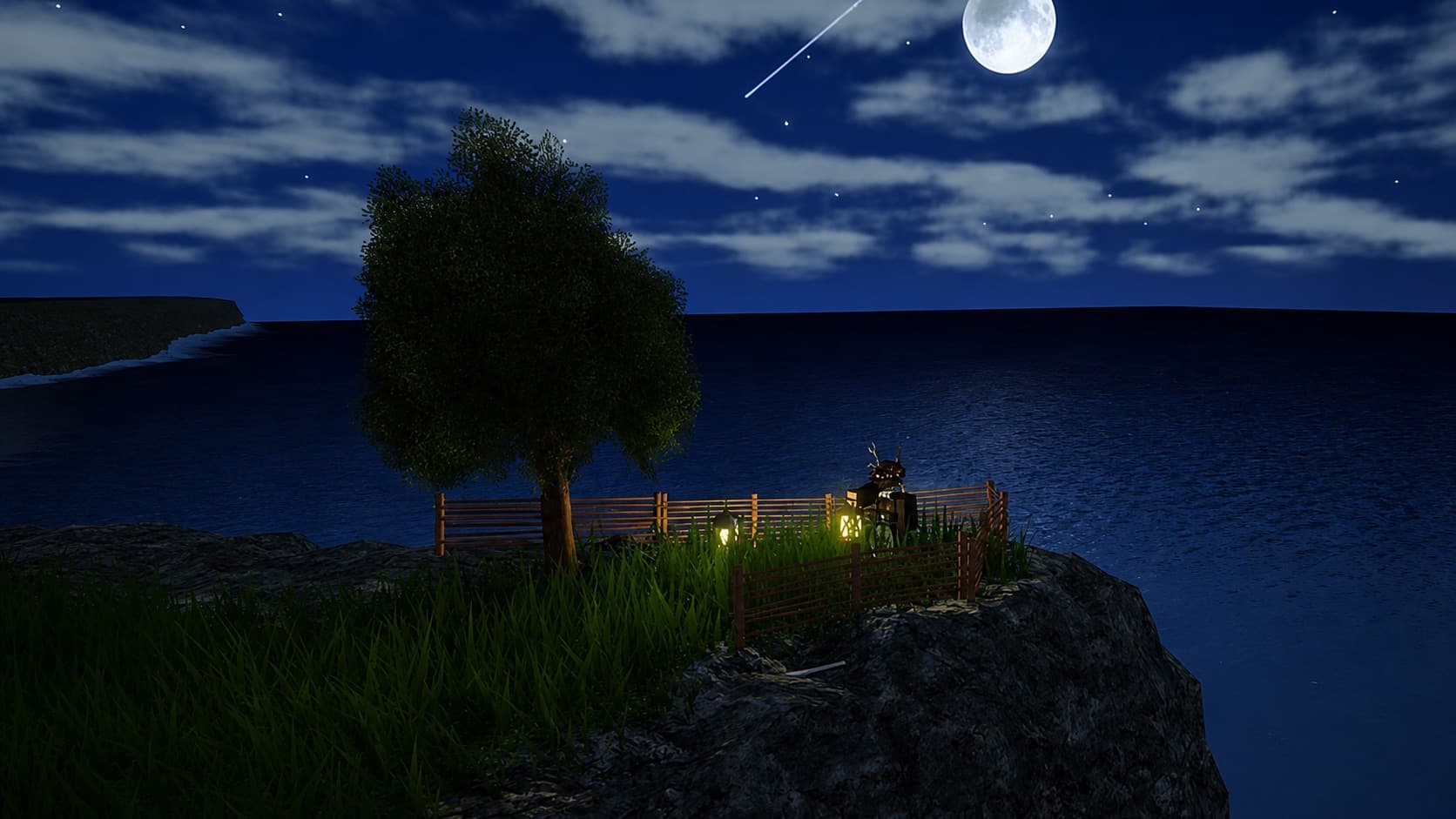
Racing, farming, tycoons, adventures, obbies, and your own ideas. Start with a playable template or describe a game.
292,755 games created
Start here
Neon Circuit
Drive a car through checkpoints and race two laps.
Sunshine Farm
Plant crops, watch them grow and sell your harvest.
Factory Empire
Buy machines and grow a passive income business.
Crystal Arena
Fight enemies, earn crystals and clear the arena.
Lost Island
Explore ruins, find a key and complete a quest.
Prism Vault
Activate colored switches to unlock the final vault.
Cloud Obby
Jump through a sky course with moving obstacles.
Creative Park
Explore a playground with portals and interactive stations.
Your Game Idea
Combine game mechanics into something of your own.
Trending
1,000+ playsA 15-stage obby with glowing kill bricks and a final boss jump.
 1,000+ plays
Build ovens, hire staff, unlock rebirths, dominate the block.
 100+ plays
Hatch eggs, collect rare dragons, trade with friends across realms.
 100+ plays
Neon-lit drift tracks, upgradeable cars, and a global leaderboard.
 100+ plays
1v1 PvP with 20 swords, ranked matchmaking, and seasonal skins.
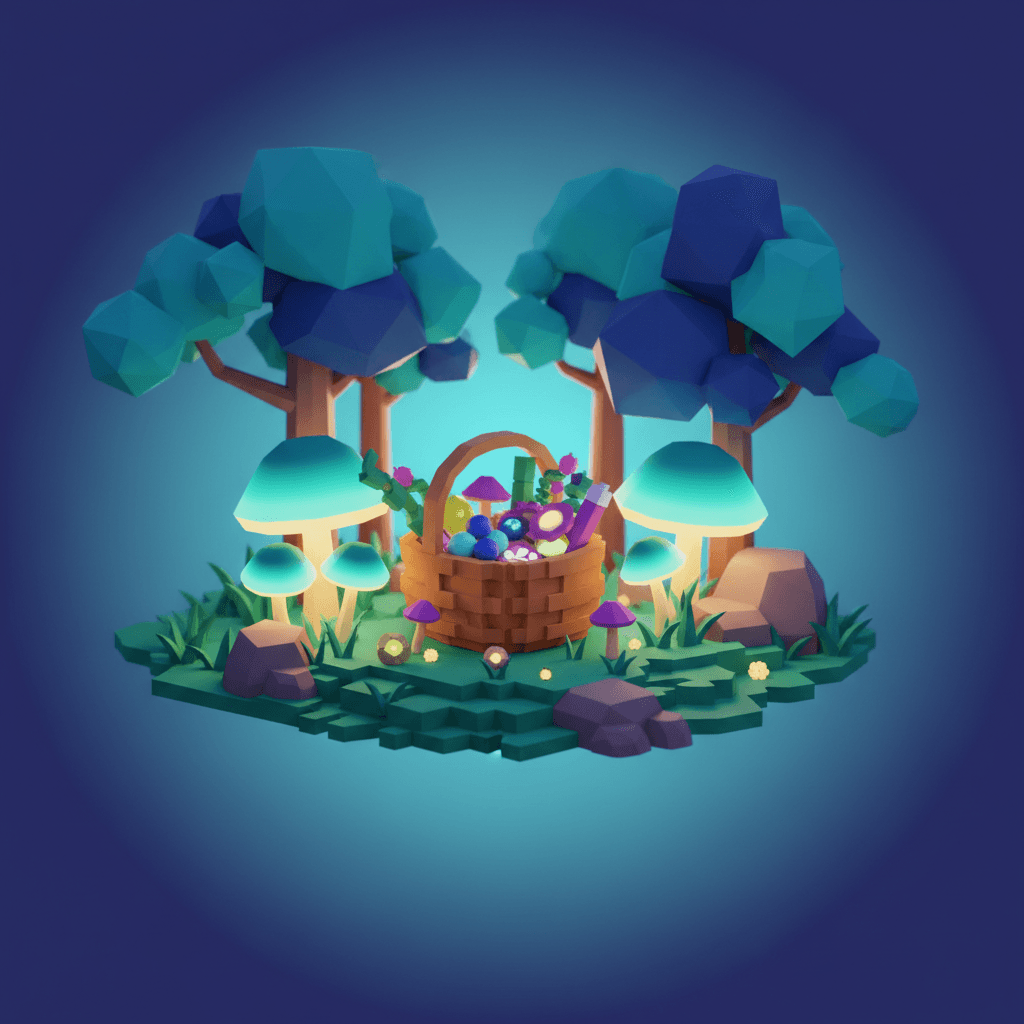
Peaceful foraging adventure with day/night cycle and recipes.
New

Puzzle obby — each room unlocks only when you solve the cube trick.
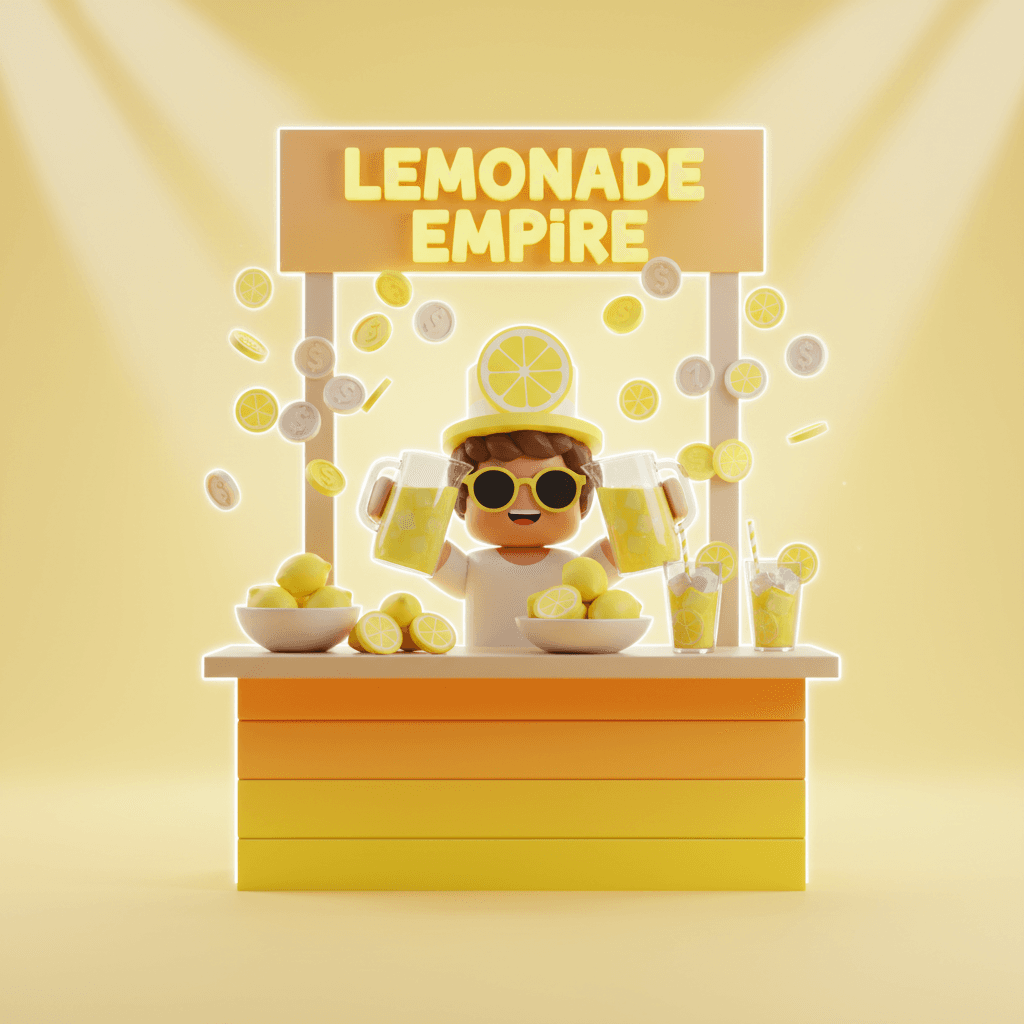
Start with 1 pitcher, end with a lemon empire across 10 biomes.
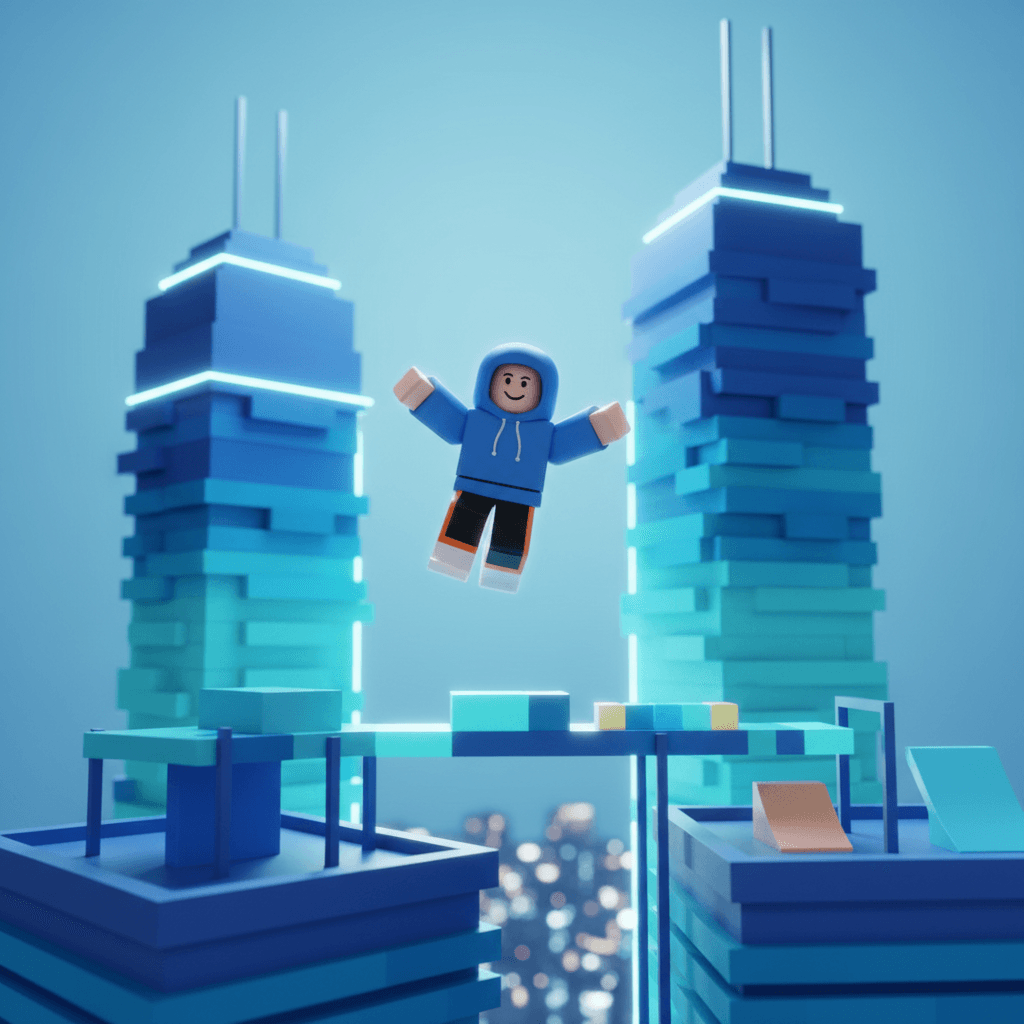
Rooftop parkour with wall-running, sliding, and time trials.
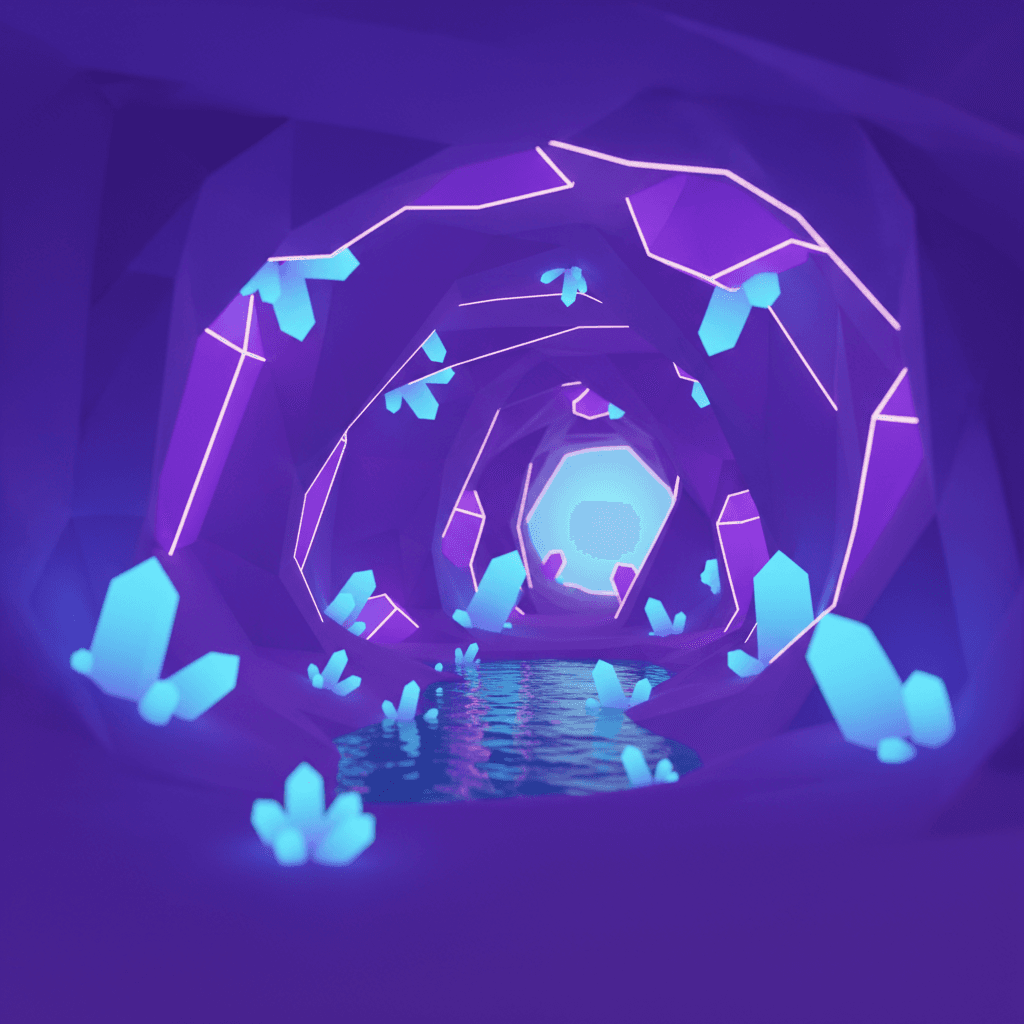
Mine, upgrade your pickaxe, and fight off cave goblins below.
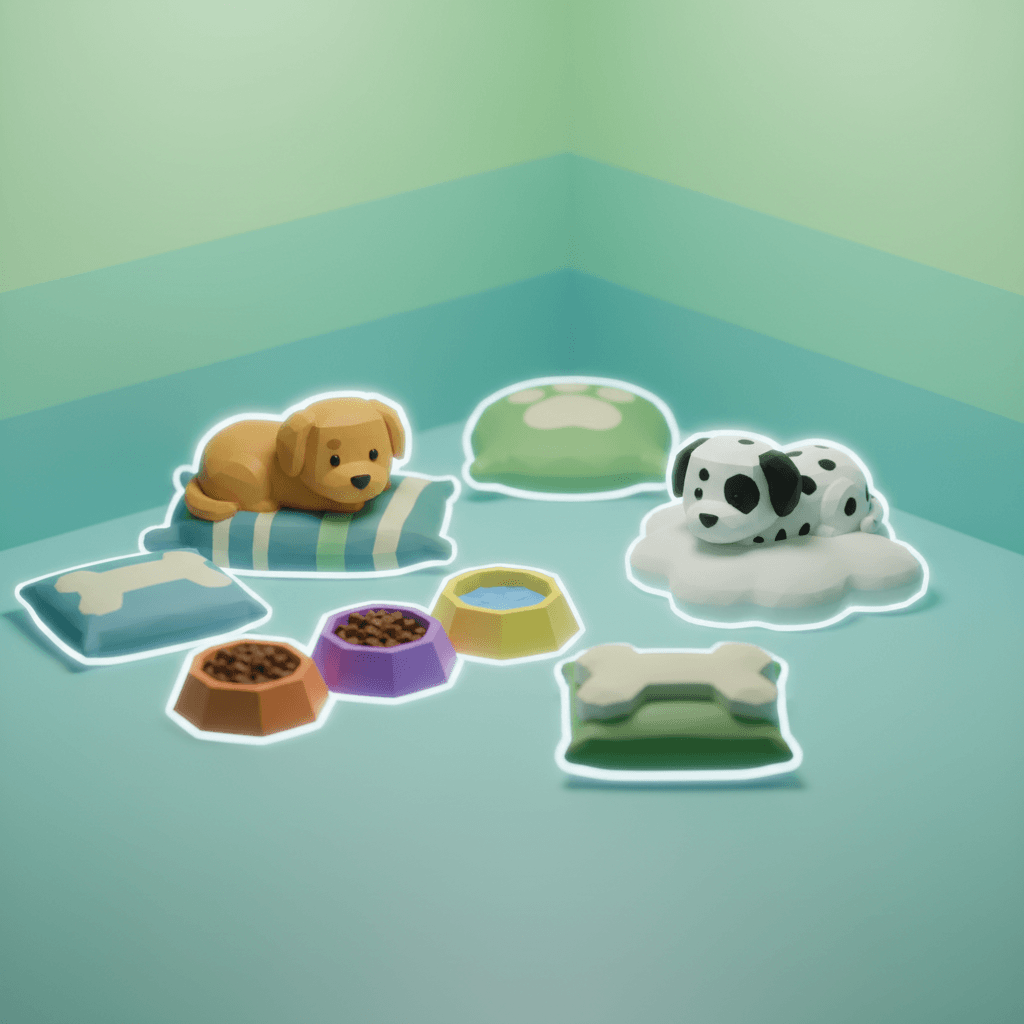
Adopt, feed, and groom pets in a cozy daycare management loop.

Customize your speedboat and battle friends on an open lake.
FAQ
No. Describe your game in plain English and Obby generates the Luau code, UI, and 3D scene for you. You can edit the code later if you want, but you don't have to.
Yes. Obby exports a standard .rbxlx file you open in Roblox Studio. From there, hit Publish and your game is live for millions of Roblox players.
Obby has a free tier that lets you describe, preview, and export your first games with no payment required.
Racing games, farming simulators, tycoons, survival arenas, adventures, puzzles, sandbox worlds, and obbies. Start with a playable template, combine mechanics, or describe your own idea. Custom Roblox scripts can extend the exported game beyond the browser preview.
No. Obby is an independent product and is not affiliated with, endorsed by, or sponsored by Roblox Corporation.
No Luau knowledge required. Just describe and create.
Start Building — Free