What Is Roblox Studio AI?
Roblox Studio AI refers to the growing ecosystem of artificial intelligence tools, plugins, and assistants designed to work directly inside Roblox Studio — the official Roblox game development environment. These tools help you generate scripts, design UIs, create 3D assets, and even build entire games using natural language prompts instead of manual labor.
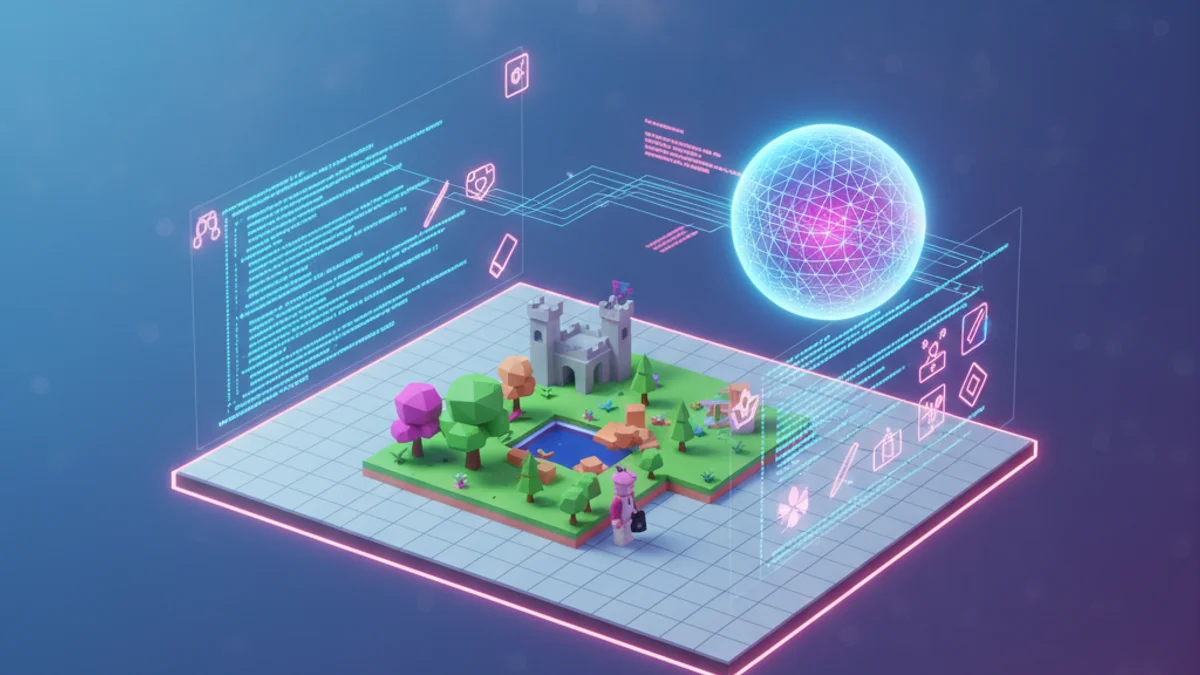
The Roblox Studio AI landscape changed dramatically in 2025 and 2026. What used to require a team of scripters and 3D artists can now be done by a single developer working alongside AI. This guide breaks down every major Roblox Studio AI tool worth using right now.
Why Roblox Studio AI Tools Matter
Before AI, building even a modest Roblox game took weeks. You needed to:
- Learn Luau scripting
- Master Roblox's services and APIs
- Design and code every UI manually
- Hand-build or import every 3D asset
- Debug across server, client, and replication boundaries
Roblox Studio AI tools collapse most of those steps. A developer with no scripting experience can now ship a working game in a weekend. An experienced developer can ship 10x faster than before. That's not hype — it's how the top Roblox studios work in 2026.
The Best Roblox Studio AI Tools in 2026
1. Obby — The Most Powerful AI Roblox Coder
Obby goes beyond the in-Studio assistant pattern. You describe a game in plain English — "a tycoon where players run a pizza shop, with conveyor belt droppers and a tip jar" — and Obby builds the entire thing: 3D world, scripts, GUIs, DataStore, game passes, all wired together correctly.
Why Obby is the leading AI coder for Roblox:
- Full-game generation, not just script snippets
- Understands Roblox patterns — proper service usage, server/client separation, security
- Iterative refinement — describe a change and Obby edits the right files
- Production-grade output — code is structured, commented, and ready to publish
Try Obby's AI Roblox builder →
2. Roblox Studio Assistant (Built-In)
Roblox added its own AI assistant directly into Roblox Studio in 2024 and has been improving it steadily. The Studio Assistant lives inside the editor — you ask it questions, request scripts, and it places the generated code in the correct location automatically.
Strengths:
- Free for everyone with Studio
- Lives inside Studio — no copy-paste between tools
- Trained specifically on Roblox APIs
- Has full context on the place you're editing
Weaknesses: It's a script generator and explainer, not a full game builder. Complex multi-system tasks (like an entire tycoon) work better with Obby.
3. AI Plugins for Roblox Studio
The Roblox plugin marketplace has dozens of AI-powered tools. The most popular categories:
- Script generators: Plugins that wrap GPT/Claude/Gemini APIs and inject code directly into Studio
- Texture and decal generators: Type a prompt, get an image, apply it to any surface
- 3D mesh generators: Generate game-ready meshes from prompts
- NPC dialogue generators: Spin up character conversations on demand
Pick plugins with high install counts and recent updates. Avoid anything that asks for your API key in a non-encrypted form.
4. ChatGPT / Claude (External AI Coders)
You can use any general-purpose AI coder alongside Studio. The workflow:
- Describe what you want in ChatGPT or Claude
- Tell it explicitly: "Luau for Roblox, server-side, use
game:GetService(...)for all services" - Paste the result into Studio
- Iterate on errors by pasting them back
This is the most flexible workflow but the slowest because of the constant copy-paste cycle.

How to Use the Roblox Studio Assistant
If you've never tried the built-in assistant, here's how to start:
- Open Roblox Studio
- Look for the Assistant icon in the toolbar (usually top-right)
- Click to open the chat panel
- Type what you want, e.g., "Add a leaderstats Coins value to every player when they join, defaulting to 0."
- Review the suggested code and click Insert to add it to your game
The Studio Assistant is excellent at answering "how do I do X?" questions — it can also explain code that's already in your project. As a beginner's Roblox script helper it's hard to beat.
What AI Coders for Roblox Get Wrong (Sometimes)
Even the best AI coders make mistakes. Common ones to watch for:
- Deprecated APIs.
wait(),spawn(), anddelay()are deprecated. Replace withtask.wait(),task.spawn(),task.delay(). - Client-side game logic. AI sometimes puts security-sensitive code in LocalScripts. Move anything tied to currency, progression, or purchases to a server Script.
- Missing pcall. DataStore and HttpService calls can fail. Wrap them in
pcall. - Hardcoded UserIds. AI sometimes generates admin scripts with placeholder UserIds. Replace them before publishing.
The fix for all of these: review the code, test in Studio playtest, and feed any errors back into the AI for it to correct.
AI-Generated Code and Roblox's TOS
Roblox explicitly allows AI-generated content in games. There's no rule against using AI coders, plugins, or generators to build, monetize, or publish your games. The only constraint is the same one that applies to human-written code: don't violate community standards, don't ship exploits, and don't infringe on IP.
The Future of Roblox Studio AI
Where Roblox AI is heading in the next 12–18 months:
- Full-game generation from a sentence becomes standard (Obby is already here)
- AI playtesting — AI agents play your game and report bugs before launch
- Automated optimization — AI reviews and rewrites scripts for performance
- AI-driven players — populate your low-population game with realistic NPC players
The developers who lean into these tools early are the ones building hits in 2026 — they ship faster, iterate faster, and learn faster than developers who insist on writing everything by hand.
Get Started with Roblox Studio AI Today
If you're starting fresh, the fastest path is to skip the studio script-by-script grind entirely. Describe your game to Obby and let it build the foundation — then customize from there. You save weeks of work and end up with cleaner code than you'd write by hand.