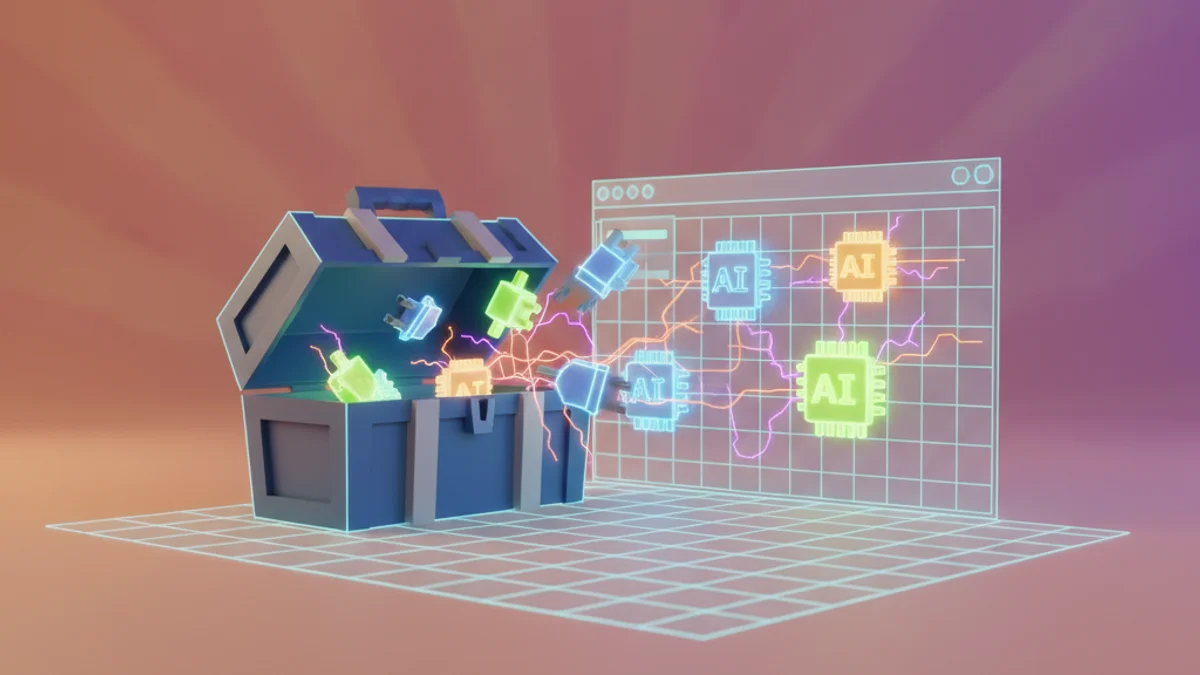
What Is a Roblox AI Coding Assistant?
A Roblox AI coding assistant is an AI coder that writes, explains, debugs, and refactors Luau code for your Roblox games. Instead of searching the DevForum for a half-working snippet, you describe the behavior you want — "give players a speed boost game pass that doubles WalkSpeed for 30 seconds" — and the AI produces the script, tells you where it goes, and fixes it when something breaks.
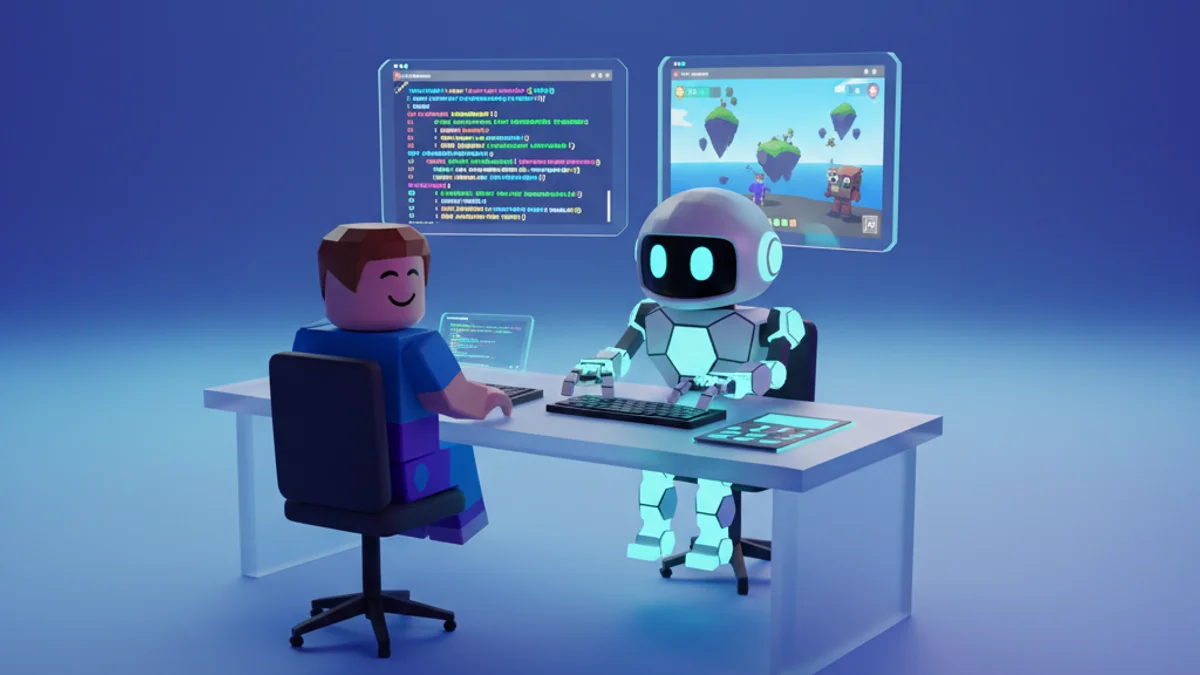
The category has matured fast. In 2026 a Roblox coder AI ranges from autocomplete inside Studio's Script Editor to full AI builders that generate the entire game around the code. This guide breaks down the types, ranks the leading tools, and shows real workflows so you can pick the right ai coder for Roblox development.
The Three Types of AI Coders for Roblox
- Inline assistants: autocomplete and chat inside an editor (Roblox Assistant in Studio, GitHub Copilot in VS Code with Rojo). Fast for line-by-line work; blind to your overall game design.
- Chat coders: general LLMs like ChatGPT and Claude. Great breadth and free tiers, but every prompt starts from zero — they can't see your Explorer hierarchy.
- Full AI game builders: tools like Obby that hold your whole project in context. The AI codes against the actual game it built, so scripts reference real object paths instead of guesses.
Best Roblox AI Coding Assistants in 2026
1. Obby — Best AI Coder for Building Real Game Systems
Obby is a Roblox coding AI that works at the project level. Because it generates and remembers your game's structure — the maps, models, UI, and every script — it codes the way a teammate would: new features hook into existing systems instead of arriving as orphaned snippets.
- Writes complete Luau systems: combat, shops, save data, round loops, matchmaking
- Knows your object hierarchy, so
workspace.Lobby.SpawnDooractually exists - Respects client/server boundaries and validates RemoteEvent payloads server-side
- Live preview in the browser, then one-click export to Roblox Studio
Try Obby free and ask it to build a feature, not just a script.
2. Roblox Assistant — Best Inside Studio
Roblox's built-in assistant reads your selected instances, generates code into your place, and explains existing scripts. It's free and has first-party API knowledge. Limitations: it works best on single-script tasks and can be conservative with larger multi-system requests.
3. Claude — Best Chat Coder for Complex Logic
For intricate systems — a quest engine, an inventory with stacking and trading rules — Claude produces well-organized, commented Luau and is strong at debugging when you paste an error plus the offending script. You supply the Roblox context; it supplies clean structure.
4. ChatGPT — Best Free All-Rounder
Reliable for everyday Roblox coding tasks: leaderstats, touched events, tweens, simple datastores. Watch for occasionally outdated APIs and remember to specify Script vs. LocalScript.
5. GitHub Copilot — Best for Rojo + VS Code Professionals
If your team writes Luau in VS Code and syncs with Rojo, Copilot's inline completions speed up boilerplate dramatically. It treats Luau as generic Lua, so Roblox-specific patterns still need review. Pair it with our Roblox Studio scripting tutorial conventions to keep the output idiomatic.

A Real Workflow: Feature Request to Working Code
Here's how a session with a good Roblox AI coder looks in practice, using a double-jump feature as the example:
- Describe the feature with constraints: "Add double jump. Second jump is 70% of normal jump power. Reset on landing. Client detects the input, but make it cosmetic-safe — no server trust issues."
- Review the plan before the code. Strong assistants explain the approach: a LocalScript in StarterCharacterScripts using
Humanoid.StateChangedandJumpRequest. - Run it and iterate on errors. Paste Output errors back verbatim. With project-aware tools like Obby this loop is automatic — it sees the error and the code at once.
- Ask for a refactor pass. "Extract the tuning values into a Configuration object" turns working code into maintainable code.
What a Roblox Coding AI Still Can't Do
Honesty matters when you depend on these tools. Even the best ai roblox coder won't replace playtesting — game feel (jump arcs, camera shake, difficulty pacing) needs human iteration. Chat-based coders can't see your game at all, and inline assistants only see open scripts. Security review is still on you: any code path where a client triggers money, damage, or saves deserves a manual look, whatever generated it. Our best AI for Roblox scripting guide includes a security checklist worth bookmarking.
Prompting Tips That Separate Good Output From Garbage
- Name the services: "use TweenService," "save with ProfileStore-style session locking," "fire a RemoteEvent named PurchaseRequest."
- State the container: Script in ServerScriptService vs. LocalScript in StarterGui changes everything the AI writes.
- Give one feature per prompt, then ask the assistant to connect features in a follow-up. Mega-prompts produce tangled code.
- Ask "why" once per session. Having the AI explain its own code is the fastest way to level up from copy-paster to actual Roblox coder.
From Coding Assistant to Game Builder
If what you actually want is a finished game — not a folder of scripts to assemble — skip the snippet loop. Obby takes the description of your game, codes every system, builds the world around it, and exports a Studio-ready project. Start coding with AI free →